

Home / Online Universities / Jain University ODL / Student Login
JAIN University Distance Education Student Login


JAIN University Distance Education Student Login


JAIN University Distance Education students log in through the Student Login link on odljain.com, which opens portal.jainonline.in. A second portal, the JGI student portal at student.jgianveshana.com, shows results, timetables and calendar events. Login details come with your admission; applicants use the separate admission portal until their seat is confirmed.
Table of Contents
JAIN University Distance Education Student Login: How to Log In
- Go to www.odljain.com and open the Student & Faculty Corner menu.
- Click Student Login. It opens the JAIN ODL student portal at portal.jainonline.in.
- Pass the security check: type the characters shown in the box and click Verify.
- On the login page, enter the username and password JAIN issued to you at admission, and sign in.
- From the dashboard, open your programme's study material, recorded sessions, assignments and notices.
The same menu has a Faculty Login link, which is for teaching staff, not students. Study materials for every ODL programme are delivered through the university's Learning Management System (LMS), on a phone or a computer.
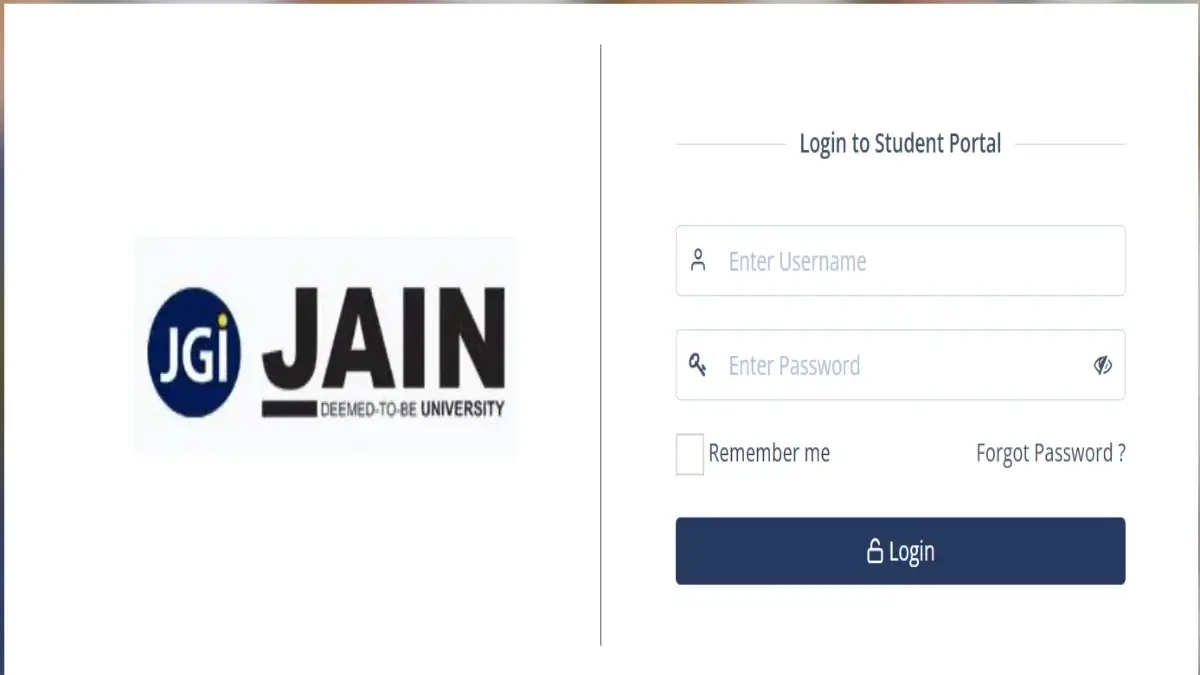
JAIN University Student Portal Login (JGI)
The JGI student portal is the one CDOE result notices point to. Its login page asks for:
- Student Mail ID / Student Code
- Password
- The captcha code shown on screen (with an audio option and a refresh button)
Inside, the portal lists result performance and analytics, class and exam timetables, LMS and digital learning modules, calendar events and feedback forms. Results sit under Examinations, then Results. A Forgot Password? link on the login page starts a reset.
JAIN Distance Education Portals at a Glance
| Portal | Address | Who uses it | Login with |
|---|---|---|---|
| Student Login (ODL portal) | portal.jainonline.in | Enrolled ODL and work-linked learners | Credentials issued at admission |
| JGI student portal | student.jgianveshana.com | Enrolled learners | Student Mail ID or Student Code, password, captcha |
| Results portal | results.jainuniversity.ac.in | Anyone with a Registration Number | Registration Number (USN) and captcha |
| Admission portal | admission.jainonline.in | Applicants | Mobile number with OTP |
JAIN Distance Education Admission Portal Login
Applicants do not need the student portal. On admission.jainonline.in you register with your name, email and mobile number, verify the one-time password, and come back to the same account to finish the form, upload documents and pay. The steps are on the JAIN University Distance Education admission page.
JAIN University Distance Education ID Card and Enrolment Number
Three numbers identify you as a JAIN distance learner. Keep them handy, because each portal asks for a different one.
| Number | Where it is used |
|---|---|
| USN (University Seat Number), shown as Registration Number | Results portal and CDOE result notices |
| Student Code or Student Mail ID | JGI student portal login |
| Portal username | Student Login at portal.jainonline.in |
Your USN also appears on your grade sheets. For portal access, password resets or a change of address, write to enquiry.cde@jainuniversity.ac.in.
What You Do After Logging In
The LMS runs the semester for each batch. For the January 2026 batch, the official academic calendar set these milestones:
| Activity | Dates (January 2026 batch, Semester I) |
|---|---|
| Deekshaarambh induction (online) | 4 April 2026 |
| Academic session and programme orientation begin | 18 April 2026 |
| Personal contact programmes | 21 April to 20 July 2026 |
| Assignment I, Assignment II and TD-PCL announced | 24 April 2026 |
| Doubt-clarification sessions | 25 May to 20 July 2026 |
| Last date to submit assignments | 20 July 2026 |
| Internal assessment marks announced | 13 August 2026 |
| End-semester exam timetable announced | 14 August 2026 |
Recordings of contact sessions are uploaded to the LMS so you can watch them later. Exam dates and results are covered on the JAIN University Distance Education result page.
JAIN Distance Education Login Problems and Support
| Problem | Where to go |
|---|---|
| Forgotten password, LMS or portal login trouble | Forgot Password on the portal, or email enquiry.cde@jainuniversity.ac.in |
| Assignment upload or submission | assignments.cde@jainuniversity.ac.in |
| Exams, results and marksheets | exams.cde@jainuniversity.ac.in |
| Academics, projects, dissertations | academics.cde@jainuniversity.ac.in |
| Phone help | 9240223667 (Monday to Saturday, 9 am to 6 pm) or the university helpline 080-47096207 |
Students can also raise a ticket through the Incident Management System (IMS); CDOE aims to resolve each ticket within 72 hours. More about the programmes is on the JAIN University Distance Education overview and the courses and fees list. Choosing a programme? See how to choose an online degree in India.


Your next degree starts here!
We'll help you choose, no pressure at all.
Your Name*
Your Mobile Number*
Your State*
Degree of Interest*

1 Lac+ students started their career online in 2026