

Home / Online Universities / MATS University Online / Result
Mats University Online Result 2026


Mats University Online Result 2026


MATS University Online result portal is erp.matsuniversity.ac.in/login.htm. It publishes semester and annual grades. This portal shows official academic records. MATS University declares results within 45 days of exams. Students should contact the examination cell for queries. Email examresults@matsuniversity.ac.in for help.
Table of Contents
MATS University Online Result 2026: Session-Wise Dates and Announcements
This section outlines key dates and announcements for MATS University Online results and admissions. You will find information on when admissions open and close, along with the schedule for new academic sessions. The university follows UGC guidelines for admission frequency, offering opportunities twice a year.
- Online Result Direct Link: MATS University Online Result
- Admissions for Distance Learning Programmes for Session January-February 2026: Open
- Admissions Open for Academic Session 2026–27: 10 September 2026
- New Academic Session 2026–27 Begins: 10 September 2026
- Admission Closure Date Announced for 2026: 10 September 2026
- UGC guideline for admission frequency: Twice a year, in July/August and January/February
How to Check MATS University Online Result 2026: Step-By-Step Guide
MATS University Online results for 2026 are on the ERP portal. This guide shows how to check scores. It explains how to download your scorecard. It details the result declaration timeline. This covers various online courses.
| Step | Description |
|---|---|
| 1. Navigate to the Official Portal | Open your web browser and go to the official MATS University ERP login page: erp.matsuniversity.ac.in/login.htm. |
| 2. Enter Your Credentials | On the login page, you will be prompted to enter your registered Email ID and the Password you received during registration. |
| 3. Retrieve Login Details | If you have forgotten your password, use the ‘Forgot password?’ link on the portal and follow the instructions by entering your registered Email ID. |
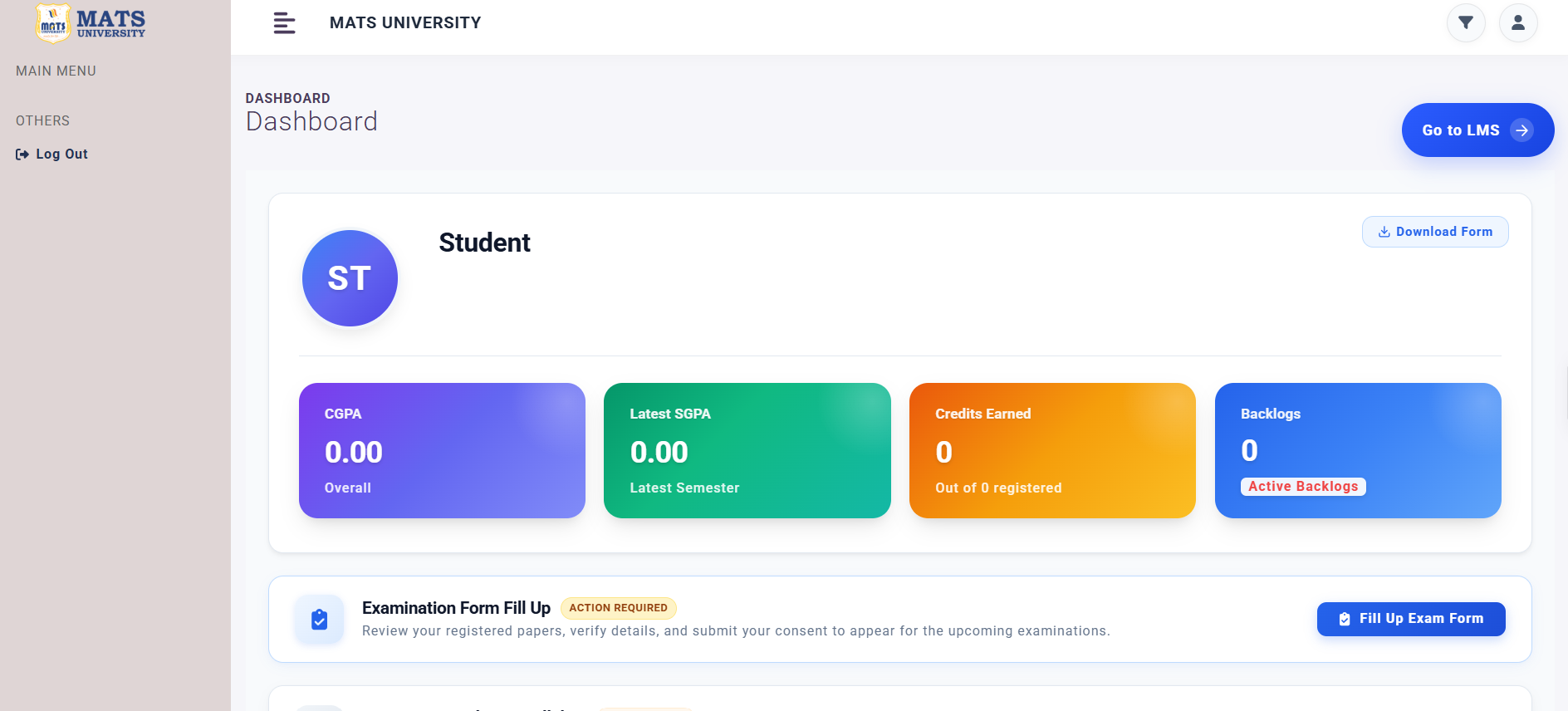
| 4. Navigate to the ‘Results’ Section | Once logged in, you will see a student dashboard. Look for a tab or link labelled “Examination,” “Results,” or “Academic Reports.” |
| 5. Select Your Examination | Choose the relevant examination session (e.g., “Even Semester Exam 2026”) and your course/semester from the available options. |
| 6. View and Download Your Scorecard | Your result will be displayed on the screen, showing subject-wise marks, grades, and overall status. It is highly recommended to download a PDF copy of this scorecard for your personal records. |
This table details steps. Follow these steps. View your scorecard. Download your scorecard. Use the MATS University ERP portal.
MATS University Online Result Portal: Login Issues and Troubleshooting 2026
MATS University usually announces examination results within three weeks after the last exam. You can access your MATS University Online result using your roll number and other credentials. All declared results are provisional and subject to verification.
- Result Timeline: Results are usually out three weeks after the last exam.
- Access Method: Students use roll numbers and credentials to view results online.
- Result Status: All declared results are provisional.
- Discrepancy Contact: Contact the examination cell for any issues.
- Final Documents: Mark sheets and certificates issue post-verification.
- Support Email: Email examresults@matsuniversity.ac.in for result queries.
After successful registration, log in with your registered email ID and the password you received. The login page includes a 'Forgot Password?' option. To retrieve your password, enter your valid username.


Your next degree starts here!
We'll help you choose, no pressure at all.
Your Name*
Your Mobile Number*
Your State*
Degree of Interest*

1 Lac+ students started their career online in 2026