

Home / Online Universities / Symbiosis School for Online and Digital Learning / Student Login
Symbiosis School for Online and Digital Learning Student Login

Symbiosis School for Online and Digital Learning Student Login


Ssodl student login manages online student accounts. Symbiosis School for Online and Digital Learning manages these. A copyrighted login system is valid for enrolled students. This portal is the primary student gateway. Students access SSODL Online Learning Management System (LMS) features for 2026 and 2027. This differs from the Symbiosis University campus login. Students use Mozilla Firefox or Google Chrome. The Student Support Cell addresses password recovery issues. Call 020-66975079, 020-66975084, or 020-66975089 for help. Enrollment support is available at 020-66975088 or 87.
Table of Contents
Symbiosis School for Online and Digital Learning (SSODL) Pune Online Student Login: How to Log in
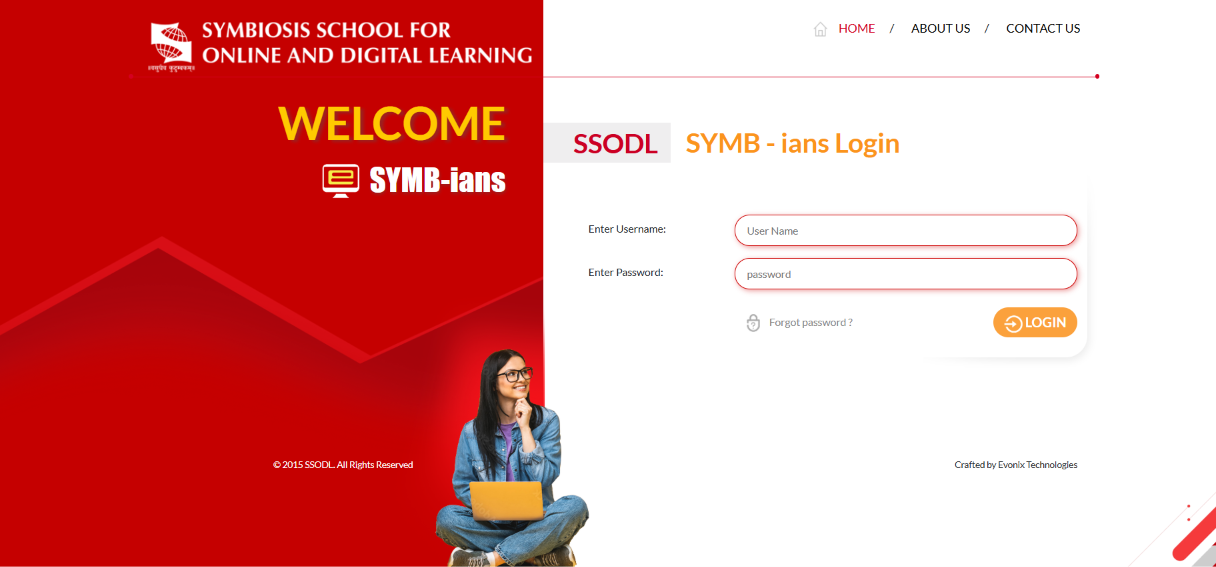
SSODL students access their learning platform. This section explains the login process. You need specific credentials. Use recommended browsers. This ensures a smooth experience.
- Login Platform: SSODL SYMB - ians Login, Official LMS Login Link: https://lms.ssodl.edu.in/
- Login Fields: Enter Username, Enter Password
- Login Button: Login
- Registration Option: Register using the provided User ID and password.
- Recommended Browsers: Mozilla Firefox and Google Chrome
Second Official Student Login Page: https://ssodl.onwingspan.com/web/en/login
Ssodl Online Student Portal: Username and Password Recovery 2026
If you need to recover your password for the SSODL online student portal, several methods are available to help you regain access. You can use your username or email address on the forgotten password page, or contact the Student Support Cell for direct assistance.
- Password Recovery Method 1: Submit your username or email address on the forgotten password page.
- Password Recovery Method 2: On the 'Forgot Password?' page, enter your Email Address and click 'Submit'.
- Password Recovery Method 3 (SYMB-ians portal): On the SYMB-ians 'Forgot Password ?' page, enter your Username and click 'Restore Login'.
- Student Support Cell Phone (Password Issues): 020-66975079 / 020-66975084 / 020-66975089
- Student Support Cell Email (Password Issues): supervisor@ssodl.edu.in, coordinator@ssodl.edu.in
- Enrollments Support Email (Password Issues): enrollments.support@ssodl.edu.in
These options provide multiple avenues for students to recover their login credentials and access the portal.
Ssodl Online Learning Management System (Lms) Features for Students 2026
SSODL's Online Learning Management System offers a dynamic experience. Students get personalized education. It focuses on flexible learning. Career development is a key area. Efficient academic management is provided. Students gain tools for success. These tools support distance education.
- Modular Learning: Units are designed for quick knowledge retention.
- Interactive Content: Features quizzes and self-paced lessons.
- Progress Tracking: Supports personalized learning journeys.
- LinkedIn Learning Collaboration: Provides a career-focused microlearning experience.
- Expert-Led Courses: Access thousands of courses across diverse domains.
- Skill Enhancement: Develops in-demand skills for employability.
Ssodl Online Login: Detailed Overview
The SSODL online login system, developed by the SIU Moodle Team, provides students with secure access to their academic resources. This system ensures a streamlined experience for all users, backed by tough security and reliable cloud services.
- Login System Developer: SIU Moodle Team
- Cloud Services Provider: CSpace Hostings
- Web Security and Server Management: CSpace Web Solutions
- ID Generation: Unique SSODL ID displayed after registration, also sent via email with password.


Your next degree starts here!
We'll help you choose, no pressure at all.
Your Name*
Your Mobile Number*
Your State*
Degree of Interest*

1 Lac+ students started their career online in 2026